

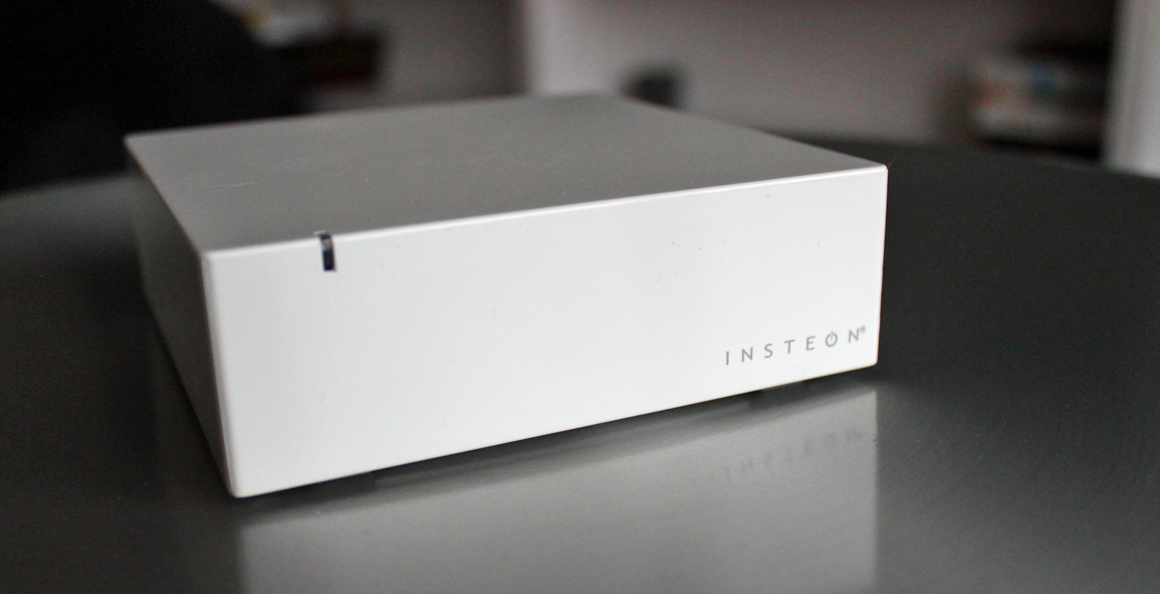
The Insteon Hub is marketed as the quintessential home automation control kit for all your smart devices. It uses the Insteon protocol to communicate with your various devices, simplifying the control process with apps and online (on-the-go) home management.
With home automation increasing in popularity and usability, I was interested to test out a different protocol system to control my home network. There are actually a wide array of wireless signals that can be used to control your home “smart” devices.
Previously, I had just used the Z-Wave protocol. Insteon is another up and coming protocol that has gained a significant enough following to allow for a variety of smart home accessories to take root.
While “Insteon” refers to the wireless protocol, the parent company also offers a “hub” or controller to configure, manage, and manipulate your smart switches, thermostats, lighting, security, etc..
It was the Insteon Hub that I decided to test out as a way to evaluate both the protocol and the default hub management device that most people would purchase.
Table of Contents
Core Features of the Insteon Hub
- Uses Insteon Network: Insteon is one of a handful of protocols used to communicate between smart devices. Insteon is one of the leading networks currently on the market and the main alternative to the “Z-Wave” system used by the VeraLite and Smartthings Hub (among others). Insteon was inented and patented by SmartLabs as a communication protocol for the “internet of things”. As far as protocols go, there is not a whole lot of difference for most practical uses, other than the fact that you’ll have to find compatible third party devices.
- X-10 Protocol Compatible: X-10 is a protocol to that uses the hard-wired power lines within your house to communicate between devices. It’s generally a less reliable solution, but is often the easiest protocol for older homes with network broadcasting restraints. It’s also a nice “early stage” solution for smart home automation. You probably will want to transition to a wireless protocol eventually, but it’s a starting point. The idea is that you will eventually move to a “superior” network and Insteon is the logical (and only) choice for this smart hub.
- Mobile App Integration: Like most smart hubs, Insteon relies on a mobile app (also available as web-based) to monitor and control your smart home network remotely and on the fly. You can use this functionality to check thermostats, arrange schedules (heating, lighting, switches, security automation, etc…), and monitor sensors and general activity.
- Automatic Email/Text Alerts: Every good smart hub has a text/email alert feature. This allows you to be notified ASAP when certain conditions are triggered. You can be notified when people arrive/leave, when devices are in uses, or when systems need servicing/repair.