




Unbounce is a drag-and-drop landing page builder that empowers anyone to create high-converting pages—no coding required.
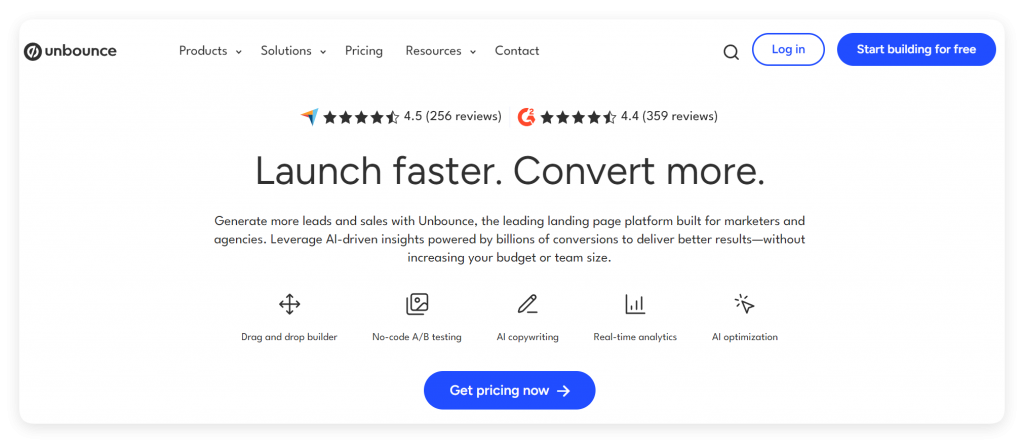
It originated from a team frustrated by developer delays in their marketing campaigns. Seeking a faster solution, they built Unbounce to let users intuitively construct pages through simple drag-and-drop actions.
Over time, the platform evolved to include advanced conversion tools like popups and sticky bars. Unbounce also streamlines A/B testing, enabling you to compare page variations and identify top performers effortlessly.
For marketers who want to build, optimize, and test landing pages with precision, Unbounce delivers an all-in-one solution.
Smart Builder: Leverages AI and conversion data to generate pages optimized for higher conversion rates.
Classic Builder: Offers granular control with drag-and-drop tools and custom code support for bespoke designs. Unbounce caters to both AI-assisted and hands-on approaches.
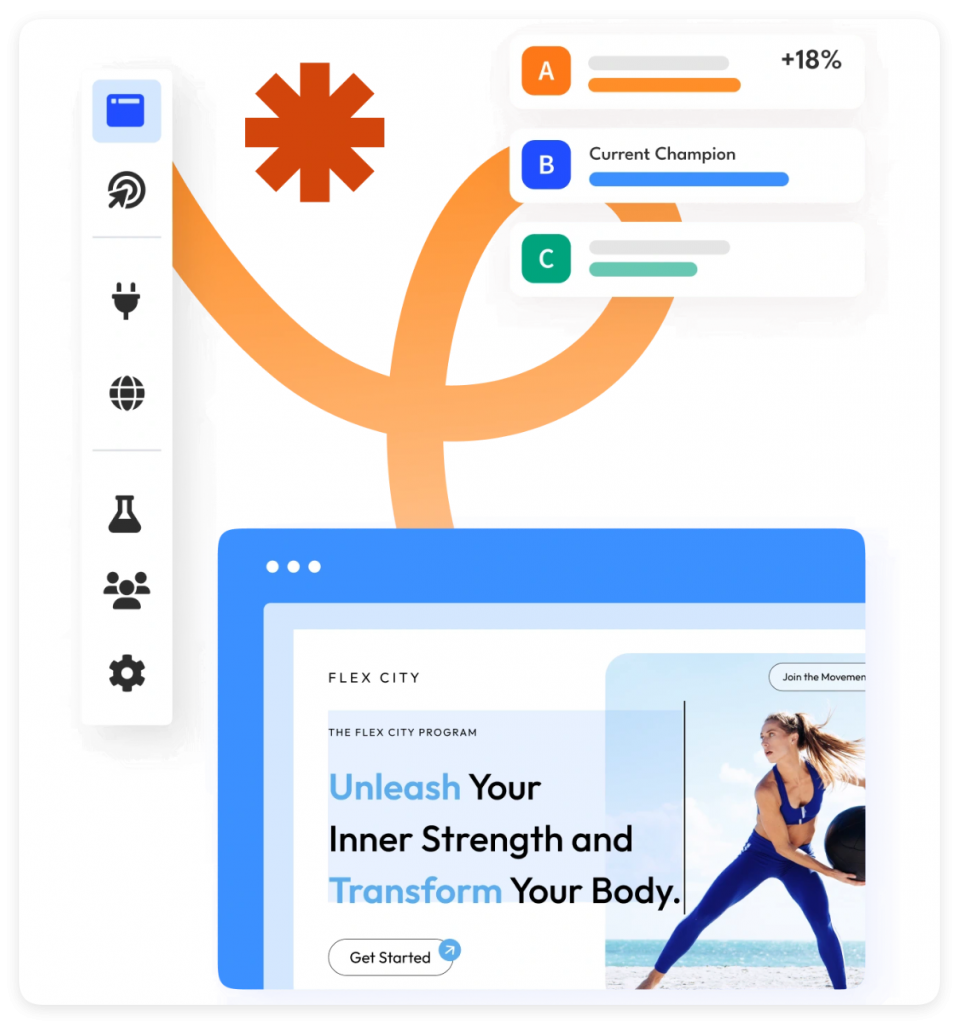
Unbounce offers AI copywriting functionality, but just how good is it? Let’s find out.
To start using it, navigate to the central dashboard and click Start Writing. You’ll find this green text hidden in the bottom left corner of your view, like so: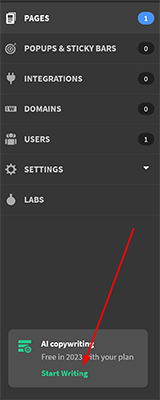
You’ll be taken to a new page that allows you to start making use of AI copy. To start the process, click where it says Get Started.
The next page will ask you to create a password. Input it, and then choose to continue when you’re ready. Note that you’ll need to verify this password immediately before you can proceed.
Once that’s done, Unbounce will ask you what your primary purpose is for using AI copy and the frequency at which you’ll need it. Fill in the details, including information about your company, and click next.
The next screen is the key one. This is where Unbounce will ask you to provide some information about the text you want it to generate. You’ll have to indicate the name of your project, give it a description, detail the audience you want to reach, and list some relevant keywords.
The tool will ask you what format you want the text to be in, and you can choose from everything from emails to Facebook Ads to meta descriptions. Pick the right format for you, select a suitable language, and then click Write For Me. The platform will, at last, generate some text for you.
In my example, I asked the tool to generate some meta descriptions for a hypothetical bodybuilding site. Here’s one of the results:
“Get the physique you’ve always wanted with our tough bodybuilding program. Start today and see the results for yourself”.
As you can see, it followed the recommended specifications and kept within the character limits of a meta description. Not bad.
You’ll be able to let the tool know whether you liked the suggestion or not by thumbing it up or down like so: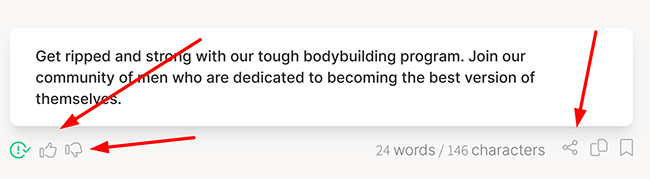
Thumbing up teaches the tool that the copy was on point, while thumbing down, of course, rejects the copy, making it less likely you’ll get something similar in the future.
If you’re not happy with the copy at all, you can go back to the drawing board. Simply edit the text box: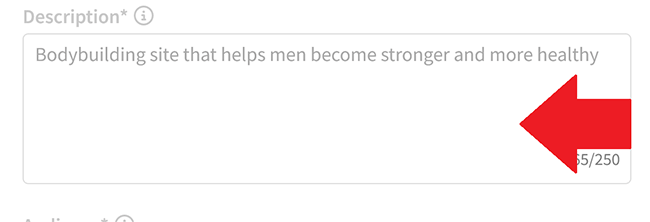
I didn’t see substantial changes with the extra detail I provided here–more small tweaks to the copy.
It’s a good result overall, especially for providing elements such as meta descriptions which can take time to write. That said, you have to put in quite a bit of information to get that result.
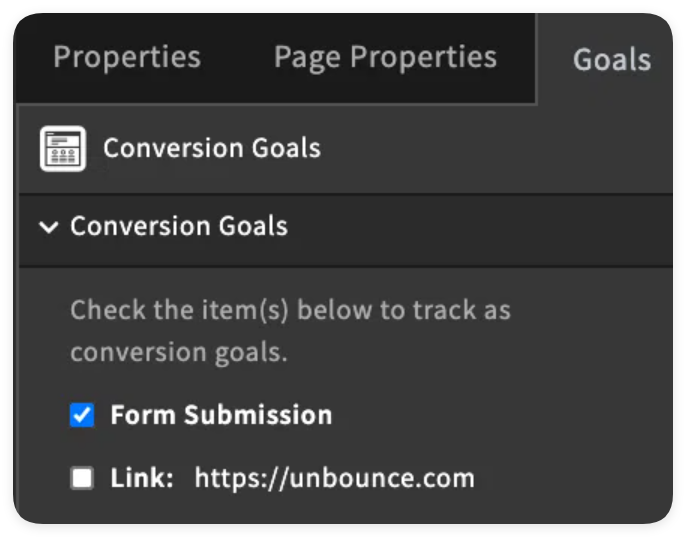
Track your page’s success by defining conversion goals (e.g., form submissions, link clicks). While tracking multiple actions is possible, focusing on one primary goal per page is recommended for clarity. External conversion tracking (e.g., post-page purchases) is also supported.
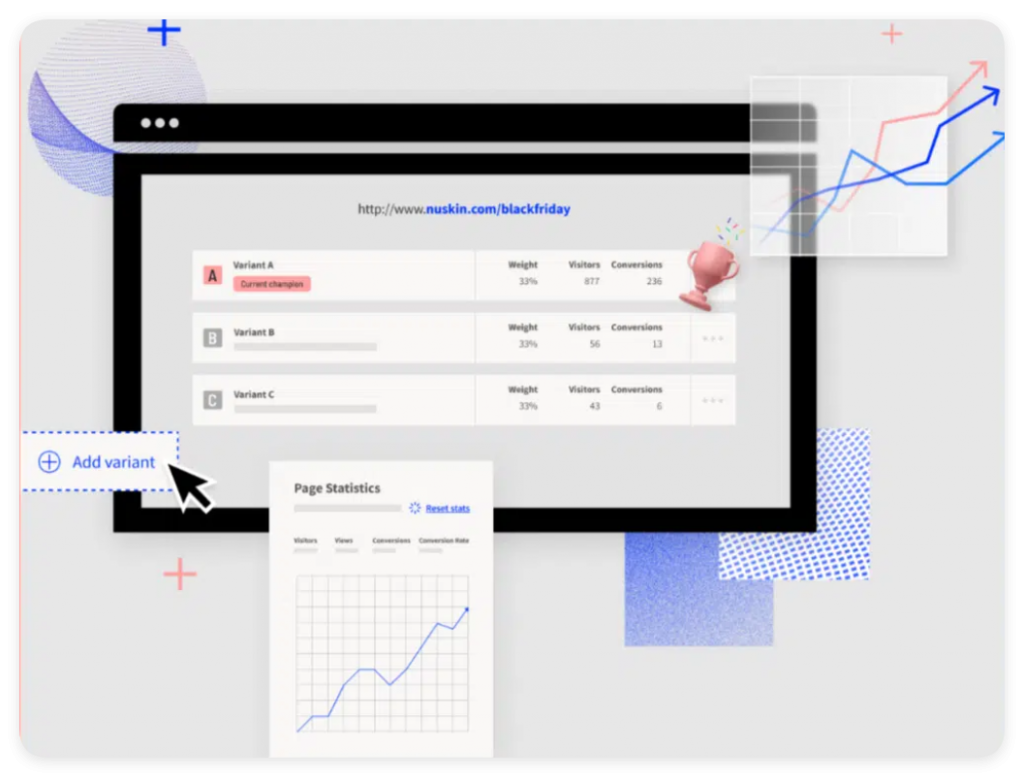
Easily duplicate your page and create variations. Test specific elements (like button color or headline) to see what drives more actions. You control the traffic split between variants (e.g., 50/50) for fair comparison. Unbounce clearly reports the winning version based on conversion data.
This AI feature automates A/B testing. Smart Traffic analyzes visitor behavior and demographics to predict which page variant they’ll most likely convert on, then automatically funnels more traffic to the top performer, maximizing conversions without manual intervention.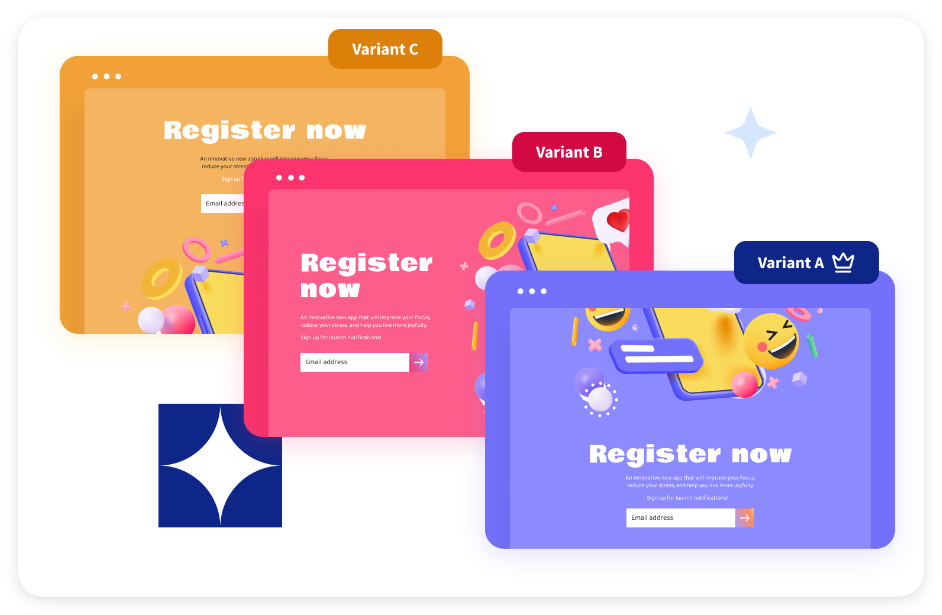
Capture leads from visitors across your entire site, not just landing pages. Use sticky bars (persistent headers/footers) or popups. Preview how they’ll look on your site domain and build them easily using templates or the drag-and-drop editor, similar to landing pages.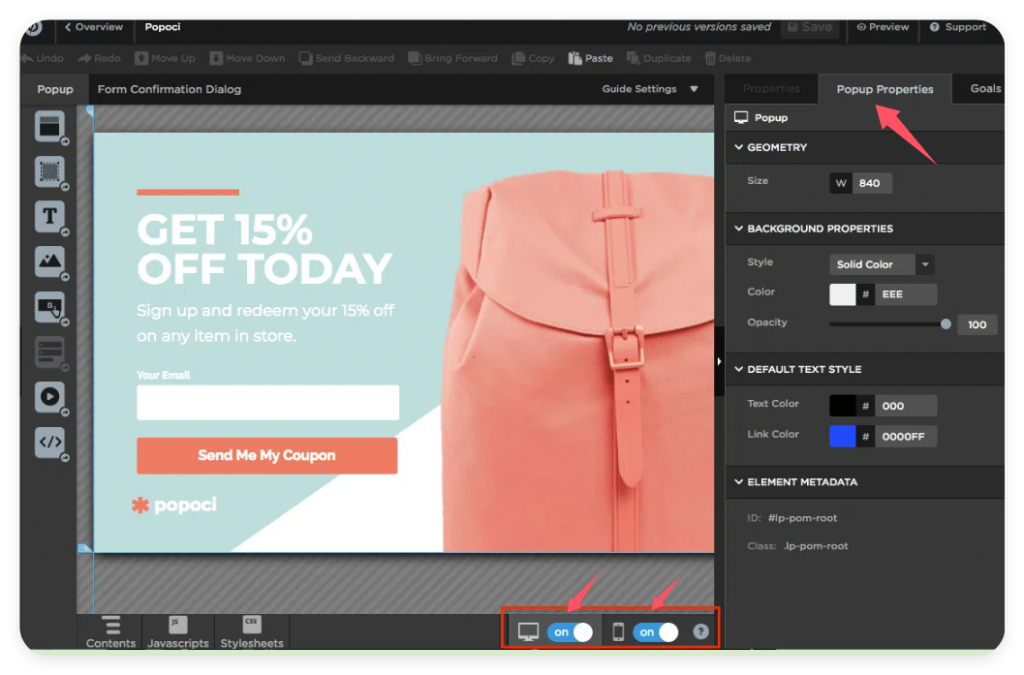
Connect seamlessly with essential marketing tools (email, automation, analytics). Native integrations include Google Analytics, Google Tag Manager, Typeform, Stripe, and Calendly. For tools not natively supported, Zapier unlocks connections to hundreds more apps, automating lead management workflows.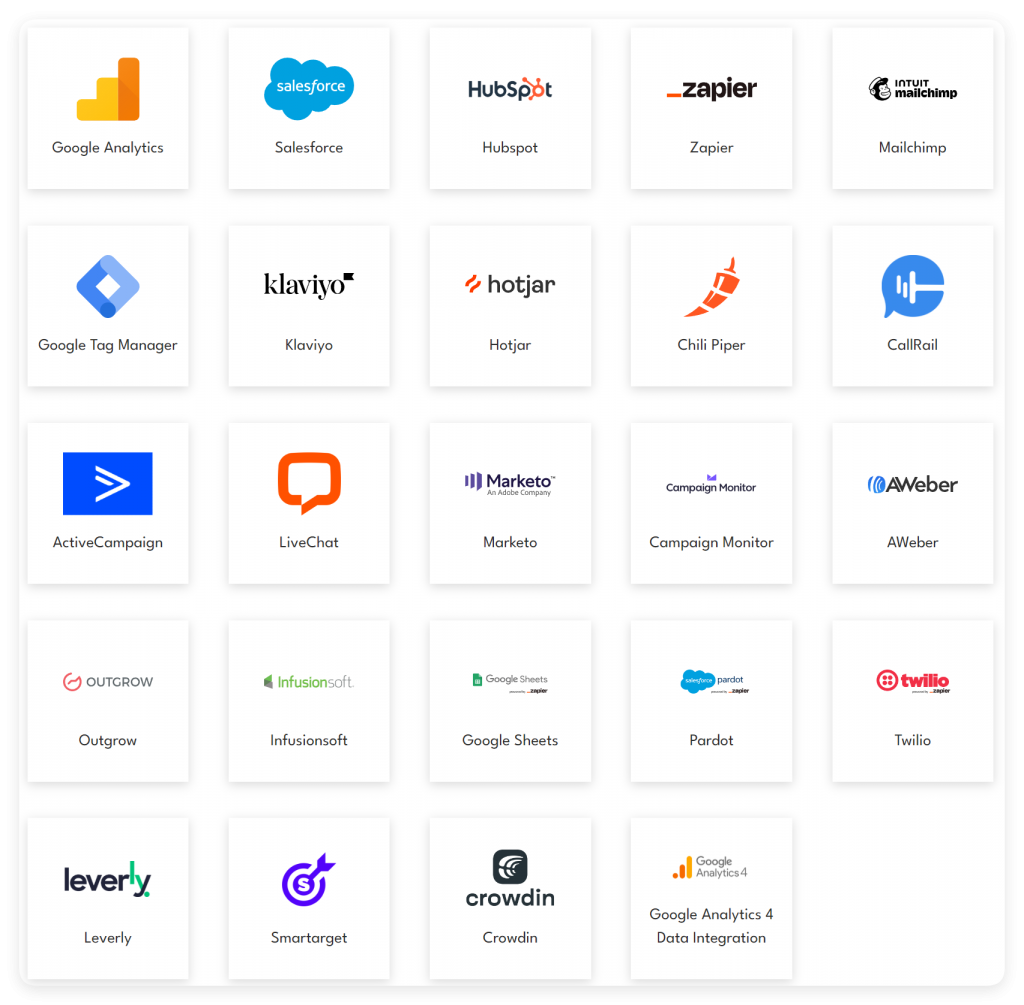
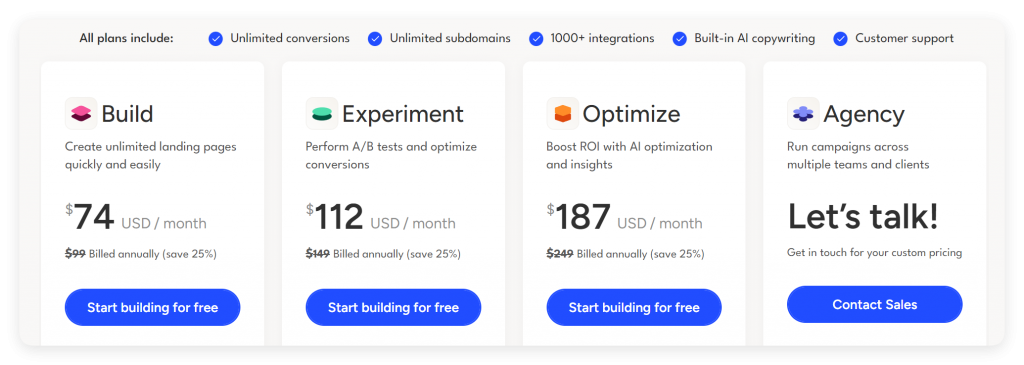
All plans include: Unlimited conversions; Unlimited subdomains; 1000+ integrations; Built-in AI Copywriting;Customer support.
Build Plan:
Price: $99/month ($74/month billed annually – Save 25%)
Core: Drag-and-drop builder, form builder, free hosting, AI copywriting, custom scripts, 1000+ integrations.
Traffic/Users: 20,000 visitors/month, 1 root domain, 1 user.
Support: Phone, email, live chat.
Experiment Plan:
Price: $149/month ($112/month billed annually – Save 25%)
Includes Build +: Unlimited A/B testing, advanced reporting, Dynamic Text Replacement.
Traffic/Users: 30,000 visitors/month, 2 root domains, up to 3 users.
Optimize Plan:
Price: $249/month ($187/month billed annually – Save 25%)
Includes Experiment +: AI-powered optimization, audience insights, advanced targeting/scheduling.
Traffic/Users: 50,000 visitors/month, 3 root domains, up to 5 users.
Agency Plan:
Price: Custom (Contact Sales)
Core: Manage campaigns across multiple teams/clients, unlimited collaborators.
Traffic/Users: Starts at 100,000 visitors/month, 5 users, 20 root domains.
Includes Optimize +: Implementation services, listing in agency partner directory.

